Free account - No credit card required

The trading journal that replaces impulse with evidence.

A private performance workspace that turns executions, risk, screenshots, and daily notes into a review process you can actually repeat.

Welcome backYour dashboard is ready.
Open dashboard →
  • Options-aware
  • Real R
  • Broker sync
  • Free forever
$0 to start - Full journal workflow - Private cloud sync
22
brokers connect directly
4
file formats, plus raw fill logs
∞
trades on the free plan
×100
options priced per contract
Charles SchwabthinkorswimInteractive BrokersRobinhood WebullTastytradeTradeStationTradovate E*TRADEFidelityQuestradeOANDA BinanceBybitKuCoinCoinbase
gettradereview.com / dashboardPrivate session
TradeReview AI
Dashboard
+ Add trade
Journal
AI Coach
Agents 2
Milestones
Friends 1
Accounts
Settings
Performance workspace

Review the decision, not only the result.

Add trade
Total P/L+$148.75
Total R+2.37R
Win rate58%
Risk breaks1
Execution chartPrice action · moving
Winning tradeLosing trade
AI Coach3 insights
Your best setup held risk at or below plan.
Late-morning trades produced weaker results.
Review the one oversized winner before repeating it.
Trade score78 Strong
Protect the process that got it there.
Next milestone14 of 20 trades
Log planned risk on the next 20 trades.
This week6/7 risk logged first
Rule: after two losses, take a break.
Live market

The chart is the easy part.

Everyone can see this. What almost nobody keeps is an honest record of what they did while looking at it — and that is the part that compounds.

Everything in one place - 13 tools

Automated journaling prep
Backtesting notes
Trade replay screenshots
AI Coach
AI insights
Strategy tracking
Broker sync
Trade Score
Pattern detection
Milestone badges
Today's Plan
Process goals
Friends and chat
$0Free journal workflow today
12+Beginner AI learning lessons
90dDefault broker sync history window
24/7AI review workspace in your account

Broker sync is live. CSV works everywhere else.

Connect a supported broker through the secure provider portal, or import a CSV from anything else. TradeReview AI never asks for your broker password. See what the importer does with your broker's export →

Direct sync available through the secure provider portal CSV import works for every broker, connected or not
Free plan$0

Your trading journal should start free. Power tools should stay affordable.

TradeReview AI gives every trader a real free journal, then upgrades to paid plans that are dramatically cheaper than premium trading journal competitors.

Free forever starter$9.99 growth plan$29.99 pro plan$49.99 elite planNo inflated pricing
Create free account →

Free to start. Cheaper when you grow.

Keep the journal accessible for new traders, then unlock broker sync, AI credits, strategy tracking, replay tools, and priority support at prices built to undercut expensive trading journals.

Free

for new traders

$0/mo
Start free
  • Unlimited trades, journals and screenshots
  • Import CSV, Excel, JSON or a raw transaction log
  • Dashboard, calendar and full P/L stats
  • Trade Score, milestone badges, and pattern detection
  • Process goals and a before/after session checklist
  • Read a trade off a screenshot, on your device
  • Replay your trades in the order you took them
  • One account workspace

A real free journal, not just a demo.

Starter

for consistent review

$9.99/mo
Start Starter
  • Everything in Free
  • 40 AI requests a month — Learn with AI and Trade with AI
  • Today's Plan - a daily stand-down/go verdict from your own numbers
  • AI Chat - a coach that remembers the conversation
  • Backtest rules against your own trades
  • Multiple accounts and saved strategies
  • Weekly performance summaries

For traders who want structure without paying premium prices.

Elite

for power users

$49.99/mo
Unlock Elite
  • Everything in Pro
  • 1,000 AI requests a month — four times Pro
  • Unlimited strategy and playbook tracking
  • Priority support and roadmap access
  • For mentors, teams and high-volume traders

Built for traders who lean on the AI daily. If you are not near 250 requests a month, Pro is the honest answer.

The gap most traders never close

You remember the win. You repeat the mistake.

Memory edits itself in your favour. A written record does not, which is the only reason review changes anything.

Your trading, written down and worth reading.

01

One curve, not a number you guess at

Every trade compounds into the same line. Wins, losses, fees and the trades you sized wrong - all of it, in units of the risk you planned.

02

The chart as it looked when you acted

Not the clean chart afterwards. The screenshot is captured with the trade, so the setup you thought you saw is there to argue with later.

03

The setups that actually pay

Your own tags, ranked by what they returned. The ones that feel good and the ones that pay are rarely the same list.

Cumulative RLast 30 sessions+12.4R
Every trade compounds into one curve. Not a number you guess at.
Chart at the moment you actedCaptured with the trade
Entry Exit
The chart as it looked when you acted, captured with the trade.
Which setups actually payTagged from your own journal
RANKED BY YOUR OWN TAGS VWAP breakout+4.2R Opening drive+2.8R News fade+1.6R Late entry-1.4R Revenge trade-2.9R
Your own tags, ranked. The setups that pay separate themselves from the ones that feel good.

The tools that make your next decision clearer.

TradeReview AI connects the execution, the context, and the lesson so your journal becomes a working feedback system-not a graveyard of notes.

◷

What expiring cost you

Letting a contract run to zero is a decision, but there is no exit to remember - so it is the loss traders forget. TradeReview AI totals it: how many, what they cost, and what share of everything you lost.

OptionsNo other journal shows this
↗

Performance dashboard

See P/L, total R, win rate, average trade, setup performance, and risk breaks without rebuilding a spreadsheet.

AutomaticAfter every save
◎

Visual trade review

Pair exact entry and exit times with chart screenshots, then review execution, invalidation, and emotional decisions together.

Entry + exitOne view
✦

Broker sync that works

Connect through the broker's own portal - TradeReview AI never sees your password. Fills arrive paired into round trips with a real P/L, execution times included where your broker reports them.

No broker passwordsLive today
≡

Any file, any broker

CSV, Excel, JSON, or a raw transaction log of individual buys and sells. Those get paired first-in-first-out into the round trips you actually traded, so the numbers match your statement.

Four formatsFills to trades
AI

Learn and trade with AI

Use AI to study setups, draft risk-first trade plans, and review your behavior after execution without auto-trading or broker password collection.

LearnPlan
◕

Trade Score and streaks

One number built from win rate, risk/reward, and risk discipline - not vanity math. Your live win or loss streak sits on the dashboard, pulled from the same numbers as everything else.

0-100 scoreUpdates every trade
∿

Patterns you'd never spot by eye

Your best and worst setups, what happens after three losses in a row, and whether your third trade of the day performs differently than your first - found automatically once there's enough sample size.

AutomaticMinimum sample enforced
✓

Milestones, earned not bought

Ten badges built from arithmetic on your own trades - discipline streaks, journaling habits, screenshot habits, and the basics like your first ten trades. Locked badges show real progress, not just a padlock.

10 badgesFree on every plan
▦

Today's Plan

A daily stand-down or go verdict built only from your last seven days, your current streak, and your best and worst setup. If a number isn't in your journal yet, it's left out rather than guessed.

StarterGrounded in your journal
AI

AI Chat that remembers

A running conversation with your coach, not a reset every question. Ask a follow-up and it still knows what you asked five minutes ago, grounded in the same journal context as every other answer here.

StarterKeeps the thread
☼

Trade with people you know

Claim a handle, add the traders you actually talk to, and keep the conversation in the same place as the journal - chat, charts, memes. They see your handle and what you send. Never your balance, your trades, or your journal.

Private by defaultHandles, not portfolios
⊙

Your next milestone

Pick a process goal - review every session for four weeks, log planned risk on the next 20 trades - and watch a plain count, not a countdown: "18 of 20, 2 to go." Paired with a before/after checklist for prep, focus, and post-loss discipline.

Free on every planProcess over volume
Agents that watch the parts of trading you usually miss.

TradeReview AI is not here to place trades for you. It helps you notice habits, risk breaks, tilt, missed preparation, and patterns hiding inside your own journal.

Automated JournalBroker sync, CSV import, manual add, notes, screenshots, and execution review.
Backtesting NotesTurn winning and losing examples into setup rules you can test again.
Trade ReplayRebuild the entry, exit, and context around the screenshot and candle sequence.
AI InsightsA persistent chat grounded in your journal, mistakes, setups, and trading behavior - it remembers your last question.
Strategy TrackingTrack playbooks, risk rules, setup quality, and what conditions actually work.
Broker SyncConnect live through SnapTrade or OANDA's direct API (Pro). CSV import covers every other broker or prop firm.
Discipline

Habit Agent

Watches preparation, journaling consistency, review completion, and whether you are skipping your process.

Agent ready
Guardrails

Risk Agent

Tracks planned risk, R-multiple, daily drawdown behavior, oversized trades, and repeat rule breaks.

Agent ready
Mindset

Tilt Agent

Uses journal tone, trade frequency, and mistake tags to flag revenge trading, FOMO, and overconfidence.

Agent ready
Your rules

Custom Agent

Describe your strategy, setup, or warning sign. TradeReview AI turns it into a checklist you can reuse.

Agent ready

Every fill should become a useful review, not busywork.

The goal is simple: connect once where providers allow it, import CSV where they do not, and keep every trade tied to screenshots, fees, notes, setup tags, and review prompts.

Powerful, automated trade journaling - built free first.

You focus on trading. TradeReview AI focuses on helping you understand what happened, what repeated, and what should change before the next session.

Start free now
1
Connect or importConnect a broker live through SnapTrade or OANDA's direct API (Pro), or import a CSV instantly for any broker, prop firm, or spreadsheet.
2
Analyze the tradeReview stats, risk, symbols, position size, fees, entry, exit, and chart evidence in one place.
3
Build your playbookUse AI to turn repeated setups, mistakes, and rules into a cleaner strategy page.

Ninety seconds, start to finding.

Import a broker CSV, tag two trades, and watch the dashboard name the hour of the day that is costing you money.

gettradereview.com
No narration needed. Sound is off.

From fill to feedback in minutes.

The workflow is intentionally simple enough to finish after a demanding session-and structured enough to reveal patterns over time.

01

Capture the trade

Add it manually or import a CSV with the trading day, execution times, risk, setup, and result.

02

Review the evidence

Attach entry and exit charts and compare the planned trade with the decision you actually made.

03

Write the next rule

Grade the session, name the behavior, and leave tomorrow with one clear adjustment instead of a vague promise.

The things traders ask before they sign up.

If yours is not here, the answer is one email away.

Is TradeReview AI really free?

Yes. The free account gives you the full manual journal, unlimited trades, CSV import with the column mapper, the calendar, the performance dashboard, and the PDF report. No card is asked for. The paid tiers add AI coaching, AI agents, and crypto exchange sync.

Which brokers and exchanges does it work with?

Any of them. CSV import handles any broker, prop firm, or spreadsheet export - the column mapper lets you match your file's headers to the journal's fields once, and it remembers that layout for next time. Binance, Bybit, and KuCoin also sync automatically with a read-only API key.

Do you ever get access to my money or my trades?

No. Exchange sync accepts read-only API keys only, and the key is checked at connect time - anything that can trade, withdraw, or transfer is refused outright. TradeReview AI cannot place an order, move funds, or take custody of anything. Keys are encrypted on the server and never sent back to your browser.

What can I log besides stocks?

Stocks and ETFs, options with strike, expiry, and call or put, forex pairs, futures, and crypto. The Add Trade form changes to match the instrument, so you are not filling in a strike price for a EUR/USD trade.

Can I use it outside the United States?

Yes, and it is built for it. The symbol finder searches every market TradingView carries - NSE and BSE in India, NEPSE in Nepal, LSE, Euronext, B3, TSX, ASX, and the rest - and the exchange-code finder fills the right prefix in for you. Times are stored against your own timezone.

What is an R-multiple, and why does the journal use it?

R is the amount you planned to risk on a trade. A trade that makes three times that is +3R; a full stop-out is -1R. It lets you compare a forex trade against an options trade, because both are measured against your own plan rather than in dollars. It is also how you spot the trades where you risked more than you meant to.

What does the dashboard actually tell me?

Profit factor, expectancy per trade, maximum drawdown, payoff ratio, your break-even win rate against your real win rate, and your win and loss streaks. Then it breaks your results down by setup, mistake, day of the week, hour of the day, instrument, long against short, and how long you held - which is usually where the leak turns out to be.

Can I get my data out?

At any time. Export a full JSON backup, or generate a PDF performance report with your numbers, charts, and trade list. Nothing is locked in, and closing your account does not hold your history hostage.

Do I need to install anything?

No. It runs in the browser on any device. On a phone you can add it to your home screen and it behaves like an app, including offline access to trades you have already logged.

How long does journaling actually take?

A few minutes a day if you do it right after the session. Add the trade, tag the setup and any mistake, drop in a chart screenshot, and write one line about the decision. The value comes from the tags - after fifty trades they show you a pattern you would never have noticed one trade at a time.

Is this financial advice?

No, and it never will be. TradeReview AI is a record-keeping and review tool. It does not give trade signals, does not predict prices, and does not tell you what to buy. The AI features coach your process and your discipline, not your positions.

Can I cancel a paid plan?

Yes, from the billing portal, and it takes effect at the end of the period you have already paid for. Your journal stays intact on the free tier - cancelling removes the AI features, not your trades.

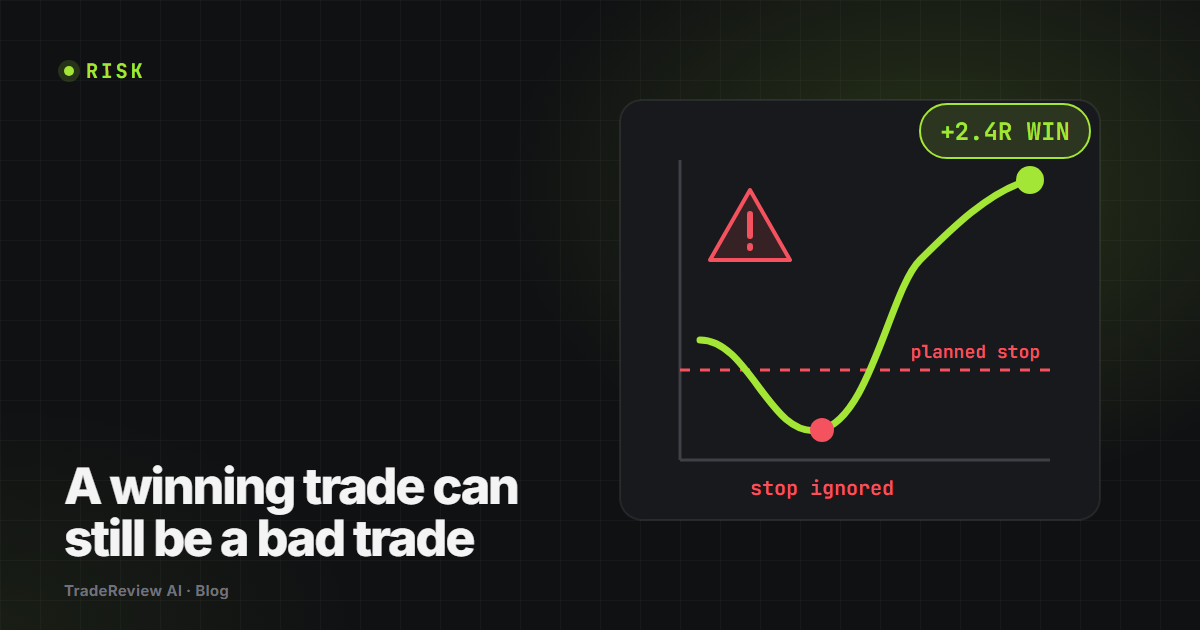
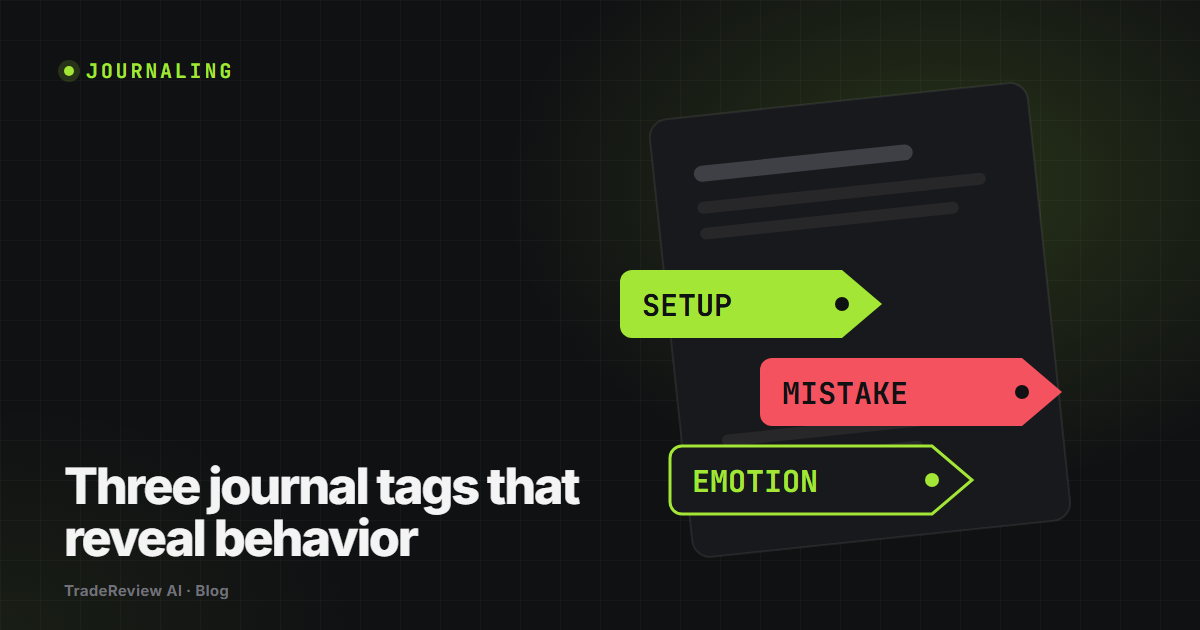
Practical notes for a better review process.

Short, useful reads about execution, risk, and turning journal entries into decisions you can repeat.

Built around a private journal, not public performance.

Your trades are personal.

TradeReview AI uses secure account authentication and row-level database rules so each user can access only their own journal data. Your review is available across devices after sign-in.

✓ Private user-level access
✓ Secure cloud synchronization
✓ Exportable journal backup
Built for the session after this one

Discipline is a record, not a feeling.

Capture the trade, name the decision, and let the pattern show itself over thirty sessions instead of three.

Make the review part of the trade.

Start with one session. Capture the evidence, name the mistake, and build the process that protects your edge.

Create your free account →